Touch Typing Tutor Manual
This manual describes the basic information and use of the Typing Tutor.
Interface Options
Interface Language Options
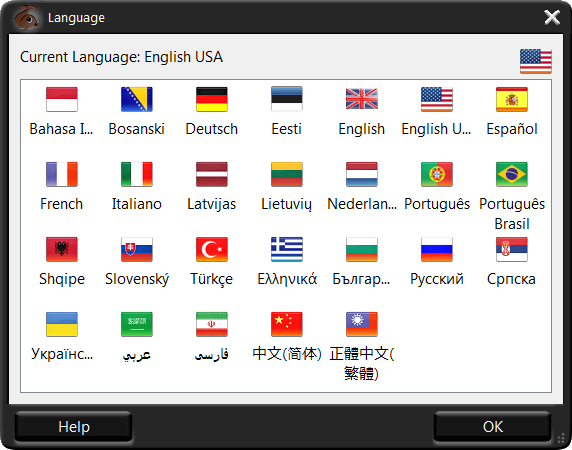
On this dialog box, you can choose the interface language of the Typing Tutor by clicking the corresponding country flag.
Sound Options
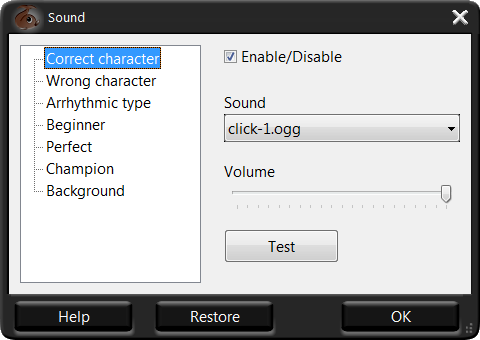
On this dialog box, you can configure and test sound effects for various actions in the program. You can either choose the preset sound scheme from the drop-down list or change it as required. Just select the action in the right list and then choose the sound, adjust its volume with the slider and then click the Test button to check it out. You can also enable or disable a sound for current action by means of the Enable/Disable checkbox.
Shortcut Options
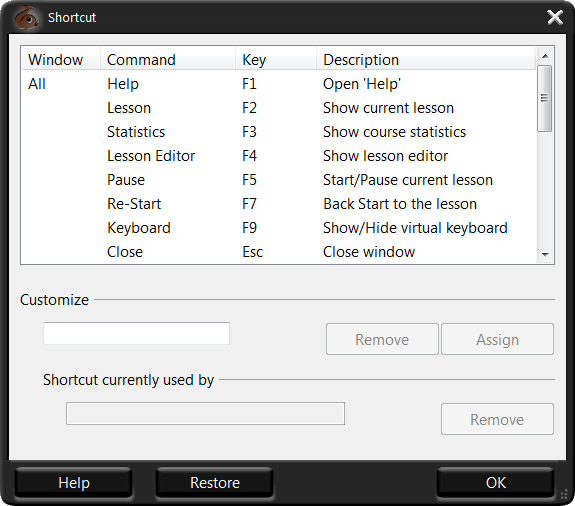
On this dialog box, you'll see the Typing Tutor's keyboard shortcuts bound to various actions. To change a shortcut, select the corresponding action from the list, put your cursor in the Customize field and then press the keys that you want to bind. If a shortcut that you've selected is already in use, the Shortcut currently used by field will notify you about it. In this case, you'll have to either unbind this shortcut (by clicking the Remove button to the next) or choose another one.
Themes Options
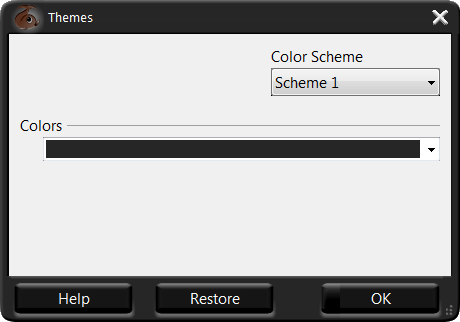
On this dialog box, you can configure and preview the overall appearance of the Typing Tutor window, including theme and color scheme.
Note that you can always read this manual by clicking the Help button. If you want to switch back to defaults, press Restore.
See also:
Top Typing Games


RapidTyping Reviews
Rapid typing tutor is very best and helpful to me. It increases my speed in typing.
The online test is also helpful. It is very useful software.
Shanaya
very good software from beginners to advanced ones thanx for making it a freeware
vandana